Compose Floating Window
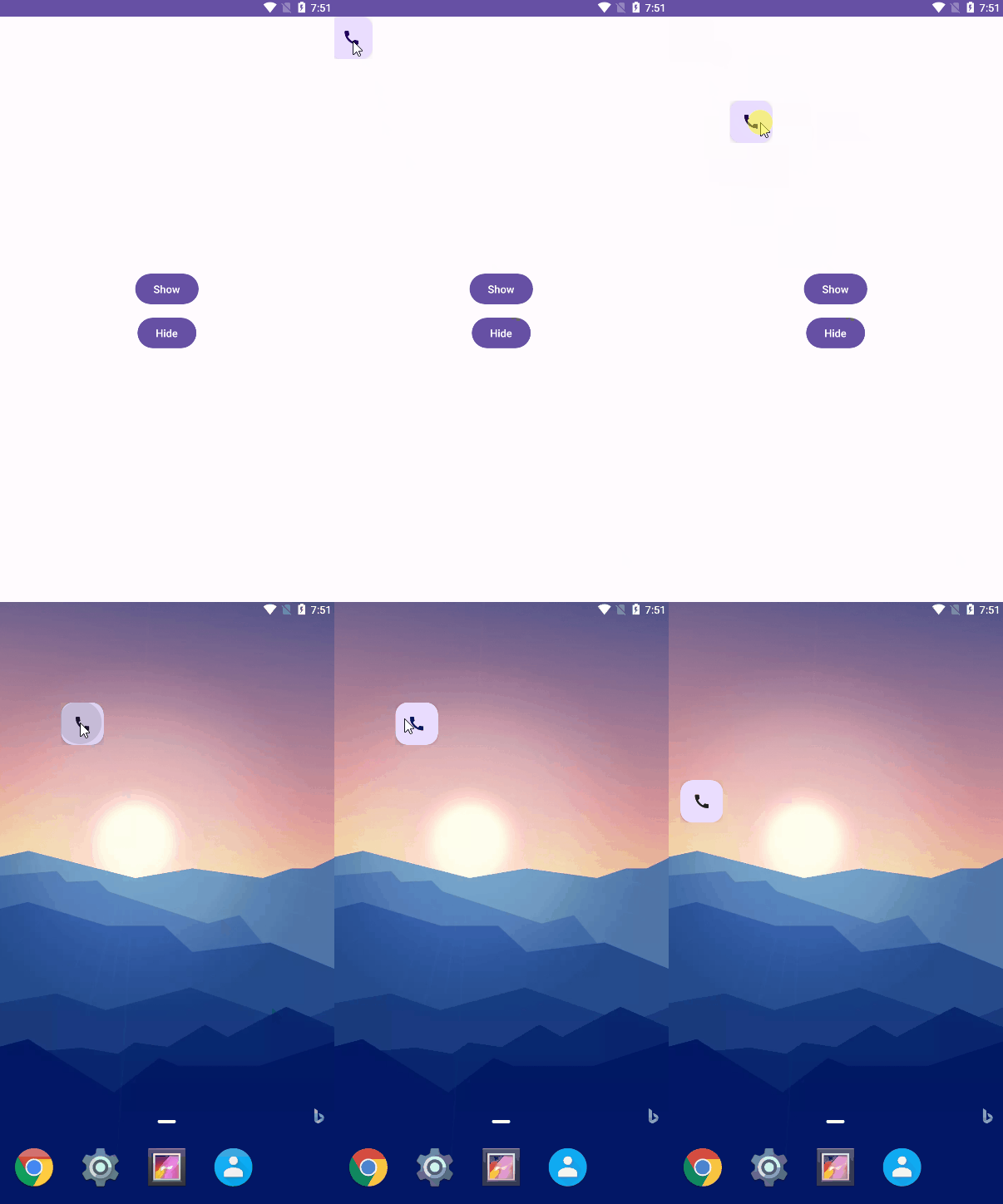
Compose Floating Window lets you render Jetpack Compose UI in a system overlay window. It covers the common overlay cases without dropping down to raw WindowManager code: draggable floating buttons, service-owned overlays, text input inside overlays, and system dialogs rendered from Compose.
What It Gives You
ComposeFloatingWindowfor overlays created from an activity or other app-owned component.ComposeServiceFloatingWindowfor overlays that live inside an AndroidService.- Drag modifiers that keep the overlay on screen.
- Permission helpers for
SYSTEM_ALERT_WINDOW. - Overlay-friendly dialog APIs:
SystemAlertDialogandSystemDialog. - Integration points for
ViewModel, saved state, and text input.
Installation
The library is published through JitPack.
dependencyResolutionManagement {
    repositories {
        google()
        mavenCentral()
        maven(url = "https://jitpack.io")
    }
}

dependencies {
    implementation("com.github.only52607:compose-floating-window:<version>")
}
Required Permission
Add the overlay permission to your manifest:
<uses-permission android:name="android.permission.SYSTEM_ALERT_WINDOW" />
Before calling show(), check permission with checkOverlayPermission(context) or floatingWindow.isAvailable(). If it is missing, open the system settings screen with requestOverlayPermission(context).
Quick Start
class MainActivity : AppCompatActivity() {

    private val floatingWindow by lazy {
        ComposeFloatingWindow(applicationContext).apply {
            setContent {
                FloatingActionButton(
                    modifier = Modifier.dragFloatingWindow(),
                    onClick = { /* Handle tap */ },
                ) {
                    Icon(Icons.Default.Call, contentDescription = "Open")
                }
            }
        }
    }

    fun showOverlay() {
        if (floatingWindow.isAvailable()) {
            floatingWindow.show()
        } else {
            requestOverlayPermission(this)
        }
    }

    override fun onDestroy() {
        floatingWindow.close()
        super.onDestroy()
    }
}
How To Read The Docs
- Start with the Usage page for setup, lifecycle, and window configuration.
- Jump to Examples for activity overlays, service overlays, keyboard handling, and dialogs.
- Use API Reference as a compact guide to the public classes and helpers.
Samples In This Repository
The sample apps are small and map directly to the main library features:
samples/app-activity: activity-owned floating action button andSystemAlertDialog.samples/keyboard-usage: text input, focus handling, and keyboard-safe interaction sources.samples/fullscreen-dialog: full-screenSystemDialogusage.samples/service-hilt: service-owned overlay with dependency injection and persisted position.
Acknowledgements
The original implementation was inspired by the upstream project from only52607 and then adapted for this repository.
License
Apache License 2.0.